

WasItAI
Detect whether an image was AI-generated or camera-captured.Photo & Image Sharing
Overview
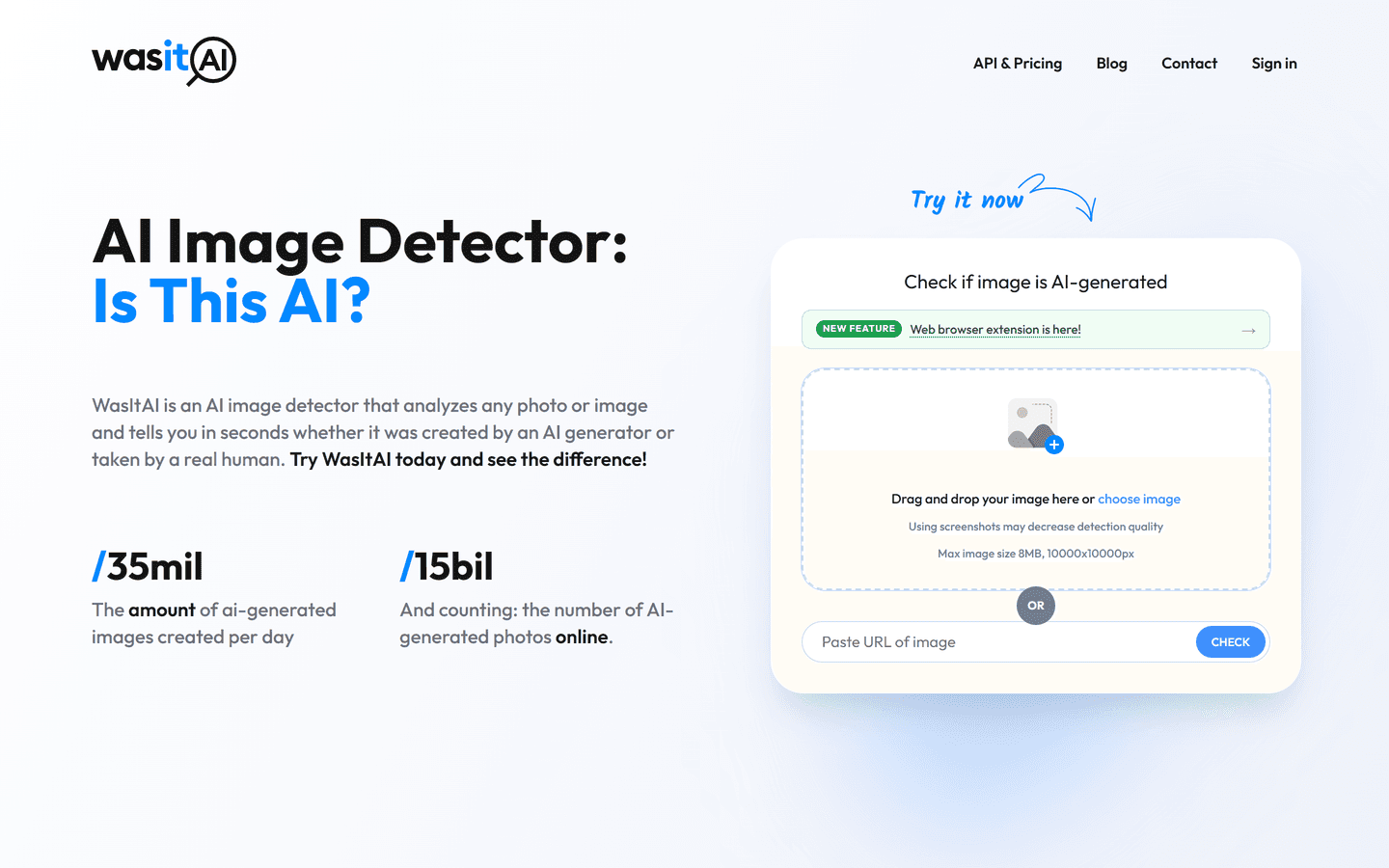
WasItAI analyzes JPG, PNG, WebP files and image URLs to estimate whether an image was AI-generated or camera-captured. It returns a confidence score and can identify a likely generator when recognizable fingerprints are present. Individual checks are free with no account required; Pro adds batch analysis, history, and PDF reports. Uploaded originals are discarded after analysis.
Core Features
• AI-generated vs. camera-captured image detection
• Confidence scoring
• Likely generator identification
• JPG, PNG, WebP, and image URL support
• Supports Midjourney, DALL-E, Stable Diffusion, Flux, Imagen, Firefly, Grok, Leonardo, and Ideogram
• Free checks without signup
• Batch analysis, history, and PDF reports with Pro
• Uploaded originals discarded after analysis
Use Cases
• Verify images before publishing or sharing
• Screen suspicious images and potential misinformation
• Assist journalists, researchers, educators, and content moderators
• Check creative assets for likely AI generation
• Analyze multiple images in batches with Pro
Pros & Cons
Pros
- Fast, actionable confidence score
- Free tier with API access
- Browser extension for instant checks
- Detailed, exportable detection reports
- Privacy-first transient processing
- Supports many major AI generators
- Scalable plans and enterprise options
- Easy REST API integration
- Mobile and desktop accessibility
- Continuous model updates
Cons
- Not 100 percent foolproof on novel generators
- Screenshots may reduce detection accuracy
- Low-resolution images can produce weak signals
- High-volume detection requires paid plan
- Possible false positives on heavy edits
- Requires internet connection for analysis
- Maximum image size limits processing


