


YouTimeliner
Youtube Video Summary and Video Transcript: YouTube video to text.Explore Streaming Services
Overview
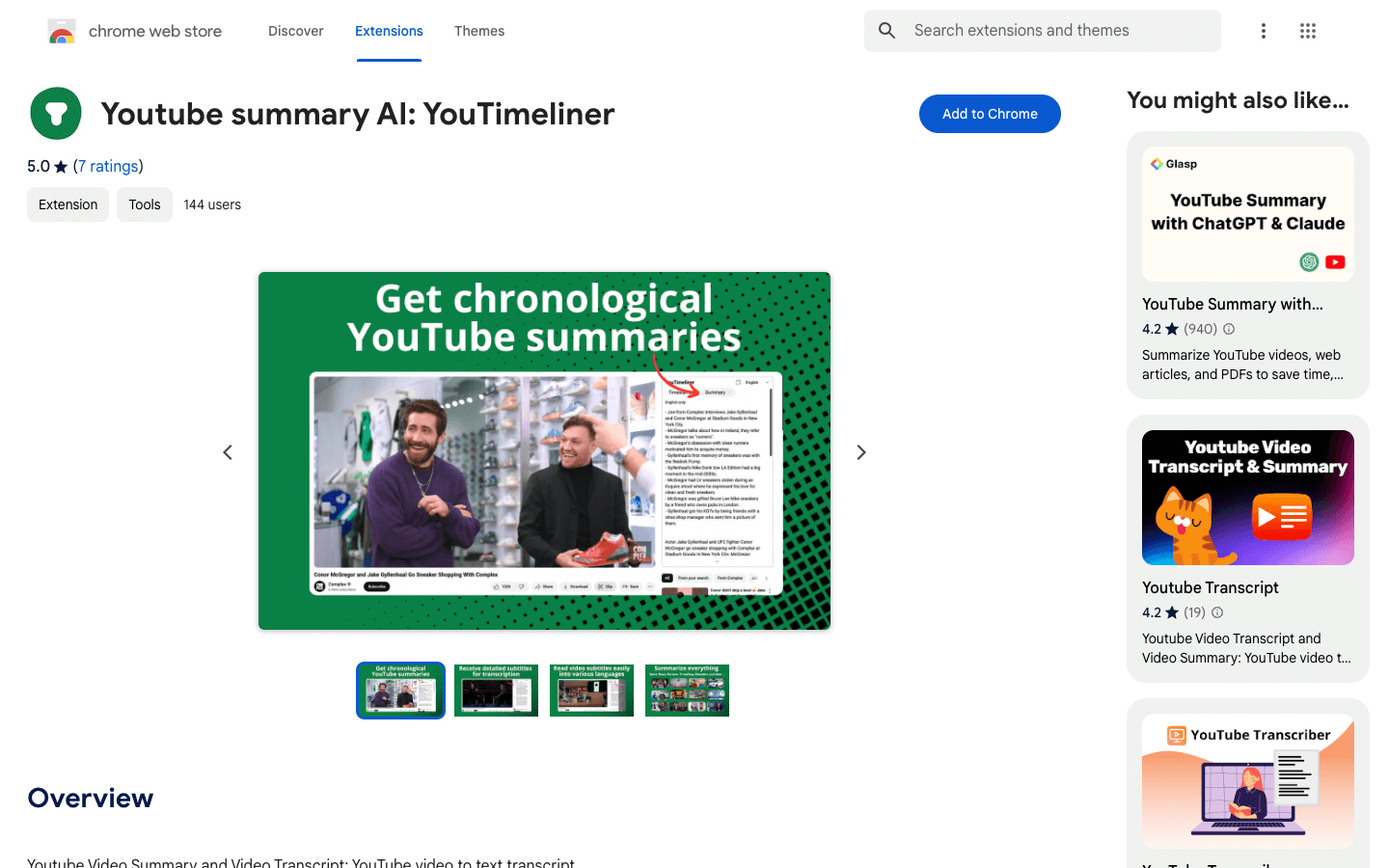
Youtube Summary and Video Transcript: transform Your YouTube Experience with YouTimeliner – the Ultimate Chrome Extension!
Enhance your watching sessions with YouTimeliner, designed specifically for transcribing videos. With our advanced YouTube summary transcript technology, effortlessly convert any video to a transcript. YouTimeliner introduces a user-friendly widget right on the video page, enabling users to navigate seamlessly through timecodes, ensuring a detailed understanding of the content, perfect for transcribing.
Benefits:
-
Rapidly and easily grasp the essence of any video with our transcription feature.
-
Locate specific information within a video effortlessly, thanks to our detailed and accurate transcriptions.
-
Significantly enhance your viewing and learning experience by leveraging our transcription features.
Elevate your viewing and content creation with YouTimeliner, your go-to tool for YouTube summary transcript needs. Perfect for educators, students, researchers, and anyone in need of precise YouTube transcriptions.
Core Features
Key Features:
🕒 Chronological Summaries with YouTube to Transcript: Quickly gain a comprehensive overview of video content, complete with convenient timestamps and automatic transcribe on YouTube capabilities.
📜 Detailed Subtitles for Transcription: Read and understand video descriptions and subtitles with ease, perfect for YouTube summary and transcription needs.
🌐 Language Translation While Transcribing on YouTube: Supports translating text into various languages, enhancing accessibility and comprehension during transcription.
🚀 Effortless Navigation: Scroll through videos and jump instantly between key moments, perfect for efficient transcribing for YouTube.
Use Cases
Students summarizing educational videos for study notes
Researchers quickly extracting information from lengthy interviews
Content creators generating transcripts for video editing
Non-native speakers translating video content to their language
Journalists fact-checking information in news videos
Professionals reviewing conference or webinar recordings efficiently
Educators creating accessible materials for hearing-impaired students
Marketing teams analyzing competitor video content
Legal professionals transcribing video evidence
Podcast producers creating written content from video episodes
Pros & Cons
Pros
Free to use
Easy installation as a Chrome extension
Enhances YouTube viewing experience
Provides quick video summaries
Offers accurate transcriptions with timecodes
Supports multiple languages for translation
Improves content accessibility
Increases productivity for various professionals
User-friendly interface
No account registration required
Works with any YouTube video
Saves time in content consumption
Facilitates better understanding of video content
Aids in content creation and research
Regular updates and improvements
Cons
Requires internet connection to function
May not work perfectly for all video types
Accuracy depends on original video audio quality
Limited to YouTube platform only
May slow down browser performance on older systems
Privacy concerns with AI processing of video content
Potential for information overload with lengthy videos
Lacks offline functionality
May not capture nuanced or contextual information
FAQs
YouTimeliner Alternatives

Spokk

Free AI PDF Reader

WotNot
