


Wondershare AI
Wondershare AI Creativity Ahead
Overview
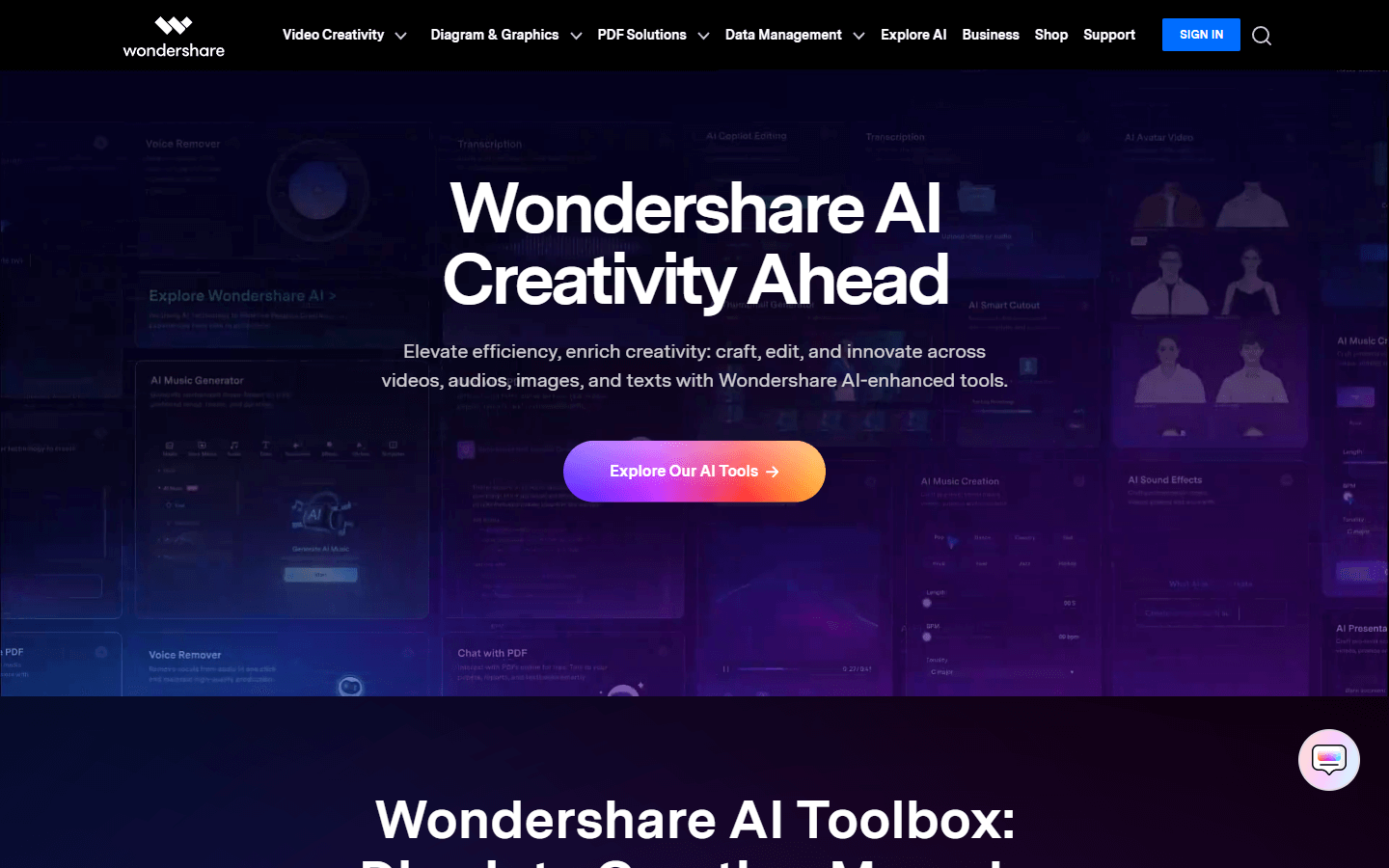
Wondershare AI is a collection of AI-powered features and tools integrated into various Wondershare software products. Their goal is to enhance creativity and productivity across different media types, including video, audio, image, and text. Here’s a breakdown:
What it does:
-
Enhances existing Wondershare products: AI features are added to existing software like Filmora (video editing), UniConverter (media conversion), and PDFelement (PDF editing). These features offer things like:
-
AI-powered editing suggestions
-
Automatic background removal in videos
-
Voice removal from audio files
-
Text-to-image generation
-
AI-generated music creation
-
PDF summarization and translation
-
And more!
-
-
Offers standalone AI tools: In addition to being integrated into other software, Wondershare also offers some standalone AI tools like:
-
AI Image Processing: Improves image resolution and quality for photographers.
-
AI Chat with PDF: Ask questions and get answers directly from your PDFs.
-
Overall, Wondershare AI aims to:
-
Make creative processes easier and faster.
-
Provide new artistic possibilities.
-
Boost productivity by automating tasks.
Core Features
. Content creation and editing:
AI-powered image generation: Create images from text descriptions.
AI-assisted video editing: Get suggestions for scene cuts, transitions, and effects.
Smart object removal: Easily remove unwanted objects from videos or images.
AI-powered audio editing: Remove background noise, change voice pitch, separate vocals, and create music.
Smart text manipulation: Convert speech to text, text to speech, and summarize documents.
2. Content enhancement:
Image upscaling and enhancement: Improve image resolution and quality.
Smart photo manipulation: Enhance portraits, swap genders, create cartoon avatars, and apply artistic filters.
Video style transfer:* Apply visual styles from other videos to yours.
3. Automation and efficiency:
AI-powered content translation: Translate videos, images, and text in multiple languages.
Smart content selection: Automatically identify key moments in videos for faster editing.
Batch processing: Apply AI effects to multiple images or videos at once.
4. Inspiration and exploration:
AI-powered creative suggestions: Get ideas for editing, design, and content creation.
Explore diverse AI tools: Discover a wide range of AI functionalities within the Wondershare ecosystem.
5. Accessibility and ease of use:
Intuitive interfaces: Designed for users of all skill levels.
Pre-made templates and effects: Easily apply professional-looking results.
Integration with existing workflows: Works seamlessly with your favorite Wondershare software.
Use Cases
Content Creators: A YouTuber uses AI-powered editing suggestions in Filmora to enhance their video pacing and add scene transitions they might have missed.
Marketers: A social media manager utilizes AI-generated music in UniConverter to create unique audio backgrounds for product ads, saving time and resources.
E-commerce Businesses: An online store owner employs AI Image Processing to improve product photo resolution, attracting more customers with high-quality visuals.
Students: A college student leverages AI Chat with PDF to quickly ask questions and understand key concepts directly from their study materials.
Freelance Writers: A blogger utilizes text-to-image generation in Playground AI to create unique visuals for their articles, grabbing readers' attention.
Language Learners: Someone studying a new language uses Wondershare AI translation tools to instantly convert video subtitles, aiding comprehension and pronunciation.
Travel Bloggers: A travel vlogger relies on AI-powered background removal in DemoCreator to showcase themselves against various stunning sceneries.
Graphic Designers: A designer utilizes AI-generated design suggestions in EdrawMax to overcome creative block and brainstorm new layouts for presentations.
Data Analysts: A researcher leverages AI text summarization in PDFelement to quickly grasp the main points of lengthy reports, boosting their efficiency.
Small Businesses: An entrepreneur creates engaging explainer videos with AI-powered voiceovers in Virbo, enhancing communication and marketing materials.
Pros & Cons
Pros
Enhanced creativity: Sparks new ideas and expands artistic possibilities.
Increased productivity: Automates tasks and saves time for complex projects.
Simplified workflows: Easy-to-use interfaces make AI tools accessible to all.
Content variety: Offers diverse AI functionalities across different media types.
Cost-effective: Provides AI features within existing software or at affordable prices.
Multilingual capabilities: Supports translations and content creation in various languages.
Regular updates: New features and improvements are added frequently.
Seamless integration: Works well with existing Wondershare software ecosystem.
Large community: Resources and support readily available from users and developers.
Free trial options: Enables testing specific tools before committing.
Cons
Limited control: AI suggestions and outcomes might not always be perfect.
Bias in algorithms: Potential for biases affecting creative results and translations.
Ethical considerations: Use of AI-generated content raises copyright and authenticity concerns.
Learning curve: Mastering advanced AI features might require some effort.
Potential privacy risks: Data collection and usage policies need careful review.
Reliance on internet connection: Online-based features require stable internet access.
Limited offline functionality: Most tools require an internet connection.
Performance limitations: May not be suitable for heavy-duty processing needs.
Over-reliance on automation: Can hinder development of creative skills in users.
Potential job displacement: Concerns about AI replacing human roles in creative industries.