
Vmake
AI Social Video Studio
Overview
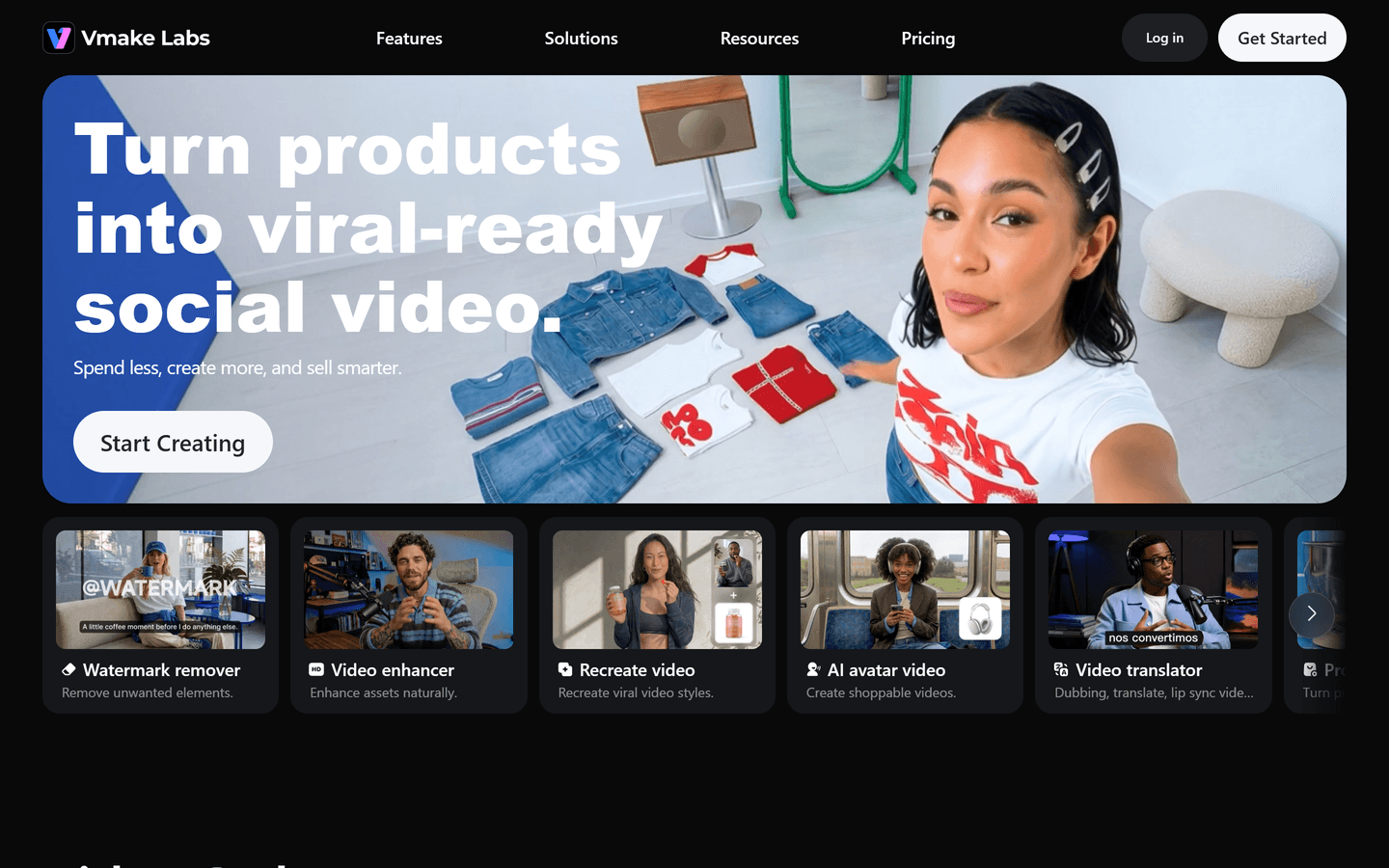
Vmake is an AI Social Video Studio built for small businesses, creators, ecommerce sellers, marketers, and social media teams. It helps users create, enhance, edit, and optimize social and UGC-style videos without requiring advanced video-production skills.
From generating creator-style product videos to improving low-quality footage, adding captions, removing watermarks, and preparing content for social platforms, Vmake brings common video workflows into one practical workspace. The platform is designed to help teams produce more engaging content faster for acquisition, conversion, and growth.
Core Features
UGC Video Generator
Turn product ideas and assets into creator-style UGC videos for ads, product pages, social posts, and ecommerce campaigns.AI Avatar Generator
Create avatar-led videos for product explanations, promotional content, tutorials, and social marketing.AI Video Enhancer
Improve video clarity, sharpness, and overall visual quality for footage affected by low resolution, blur, compression, or poor lighting.Video Watermark Remover
Remove unwanted watermarks, logos, text, and visual distractions from videos while preserving a natural-looking result.Auto Caption Generator
Generate captions automatically to make videos easier to follow, more accessible, and better suited to sound-off social viewing.AI Video Editing Tools
Access a range of tools for editing, polishing, repurposing, and optimizing short-form video content in one workflow.Social Content Optimization
Create and refine videos designed for social media performance, helping teams produce content more efficiently across organic and paid channels.
Use Cases
E-commerce Product Marketing
Create UGC-style product videos, demonstrations, product explainers, before-and-after content, and short social ads that make products easier to understand and more compelling to buy.
Social Media Content Creation
Help creators and social teams produce polished Reels, TikToks, Shorts, and other short-form videos faster, including captioned and enhanced versions of existing footage.
Video Repurposing
Improve and reuse older video assets by enhancing low-quality clips, removing unwanted marks or text, adding captions, and adapting content for new campaigns or platforms.
Small Business Promotion
Give small businesses a practical way to produce professional-looking promotional videos without a full in-house production team or complex editing software.
Marketing Campaign Production
Support marketers with faster creative testing and content production for product launches, paid social campaigns, landing pages, and conversion-focused video assets.
Ideal Users
Small businesses
Ecommerce sellers
Content creators
Social media managers
Digital marketers
UGC creators
Growth teams
Agencies managing social video campaigns
Pros & Cons
Pros
- Platform-native UGC output optimized for social
- Fast one-image to video workflow
- Built-in watermark and background removers
- AI avatar support for shoppable videos
- Auto captions and video-to-text tools
- Multiple generation models for varied styles
- Credit-based freemium to trial features
- Export options up to 4K on paid plans
- Mobile app and desktop workspace available
- Designed for conversion, not just production
Cons
- Some advanced models require paid plan credits
- Very high-res exports limited to premium tiers
- Complex custom edits may need manual refinement
- Automated avatars may need retouching for brand fit
- Large batch jobs can consume credits quickly
Video Review
FAQs
Vmake Alternatives

Prompt Mixer

Animon AI

SiteSpeakAI
