


Tabnine
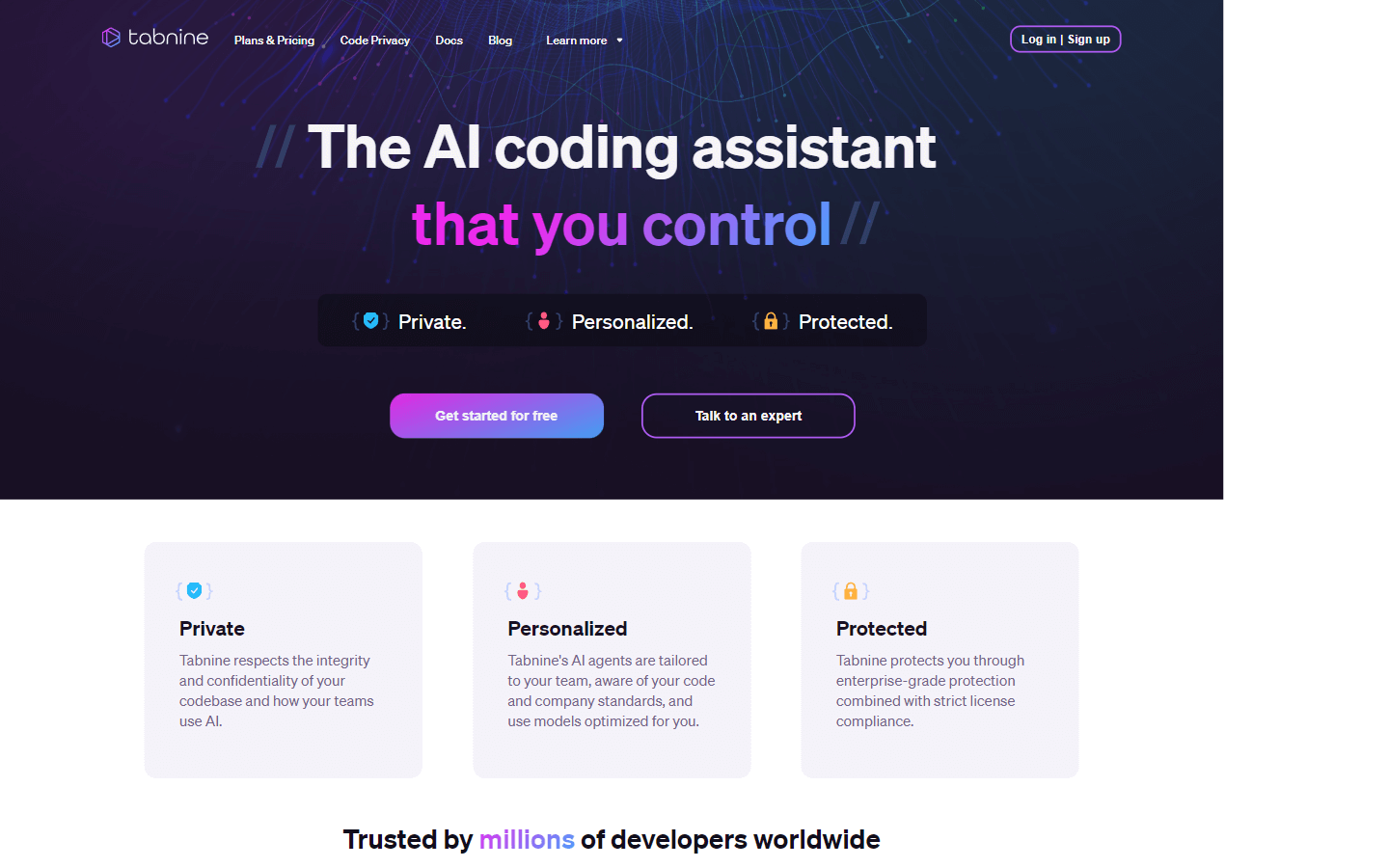
The AI coding assistant that you controlExplore AI Tools
Overview
Tabnine is an AI assistant that helps developers write code faster and more efficiently. It can autocomplete lines of code as you type, suggest complete functions based on function declarations, and even generate blocks of code based on your natural language comments. Tabnine is also context-aware, so it can make recommendations based on your code and coding patterns. Additionally, Tabnine is fully private and secure, so you can be sure that your code is never shared with anyone else.
Here are some of the key benefits of using Tabnine:
-
Increased productivity: Tabnine can help you write code up to 50% faster.
-
Improved code quality: Tabnine can help you write more consistent and bug-free code.
-
Reduced onboarding time: Tabnine can help new developers get up to speed quickly by explaining existing code and making recommendations based on your team’s standards.
-
More time for creative work: Tabnine can handle the mundane tasks of coding, so you can focus on more important things.
Overall, Tabnine is a powerful tool that can help developers of all levels write better code faster. If you’re looking for a way to improve your productivity and code quality, then Tabnine is definitely worth checking out.
Core Features
AI assistant that speeds up delivery and keeps your code safe
Private, personalized, and protected
Respects the integrity and confidentiality of your codebase
Tailored to your team, aware of your code and company standards
Enterprise-grade protection combined with strict license compliance
Trusted by millions of developers worldwide
Provides impressive code completion functionality
Boosts your development productivity
Works seamlessly with most of the popular modern IDEs
Suggests complete functions based on function declarations
Generates blocks of code based on your natural language comments
Understands and applies your coding standards and context-aware guidelines
Option to expand Tabnine with bespoke models based on your code
Fully private and in your control
Fully isolated deployments
Never stores or shares your code or usage
Strict policy management
Enforce configuration policy of Tabnine’s AI assistant across your organization
Generate code
Discover and learn how to use new API
Generate tests
Translate from one programming language to another
Find out what’s supported in the current codebase
Search your organizational codebase using natural language
Refactor and improve existing code or add functionality
Write docstring
Reduce tech debt
Deliver faster
Make onboarding easier
Spend more time on work that matters
Get started quickly
Works with all of the most popular IDEs
Use Cases
Automating boilerplate code: Quickly generate common code patterns like loops, data structures, and getters/setters, saving time and preventing typos.
Completing complex function calls: Get suggestions for parameters and syntax of unfamiliar functions within your codebase or popular libraries.
Writing tests: Use natural language prompts to generate basic unit tests for newly written or refactored code.
Translating between languages: Experiment with porting code snippets to another language for cross-platform compatibility or knowledge sharing.
Refactoring existing code: Explore potential improvements by automatically generating refactored versions with better practices and optimized structures.
Adding documentation: Let Tabnine write docstrings summarizing code purpose and parameters, reducing manual documentation tasks.
Learning new APIs: Ask Tabnine for code examples demonstrating specific API functionalities, accelerating your understanding and adoption.
Searching codebases: Employ natural language queries to quickly find relevant code sections within your project or organization's repository.
Collaborating on code: Leverage Tabnine's consistency suggestions to enforce coding standards and maintain a united style across diverse teams.
Onboarding new developers: Help newcomers understand existing code patterns and best practices through Tabnine's context-aware recommendations.
Pros & Cons
Pros
Speeds up development and keeps code secure
Trusted by millions of developers worldwide
Boosts developer productivity
Ensures code consistency across teams
Generates code, translates code, and answers questions about code
Reduces technical debt
Delivers code faster
Makes onboarding new developers easier
Frees up time for developers to focus on more important tasks
Works with all popular IDEs
Easy to install
Cons
Adapting to AI suggestions requires familiarity.
Unverified code needs careful review for accuracy.
May not suggest truly innovative solutions.
Overdependence could hinder independent learning.
Sharing code privately still carries some risk.
Premium plan can be expensive for large teams.


