
Supermaven
Free AI Code Completion
Overview
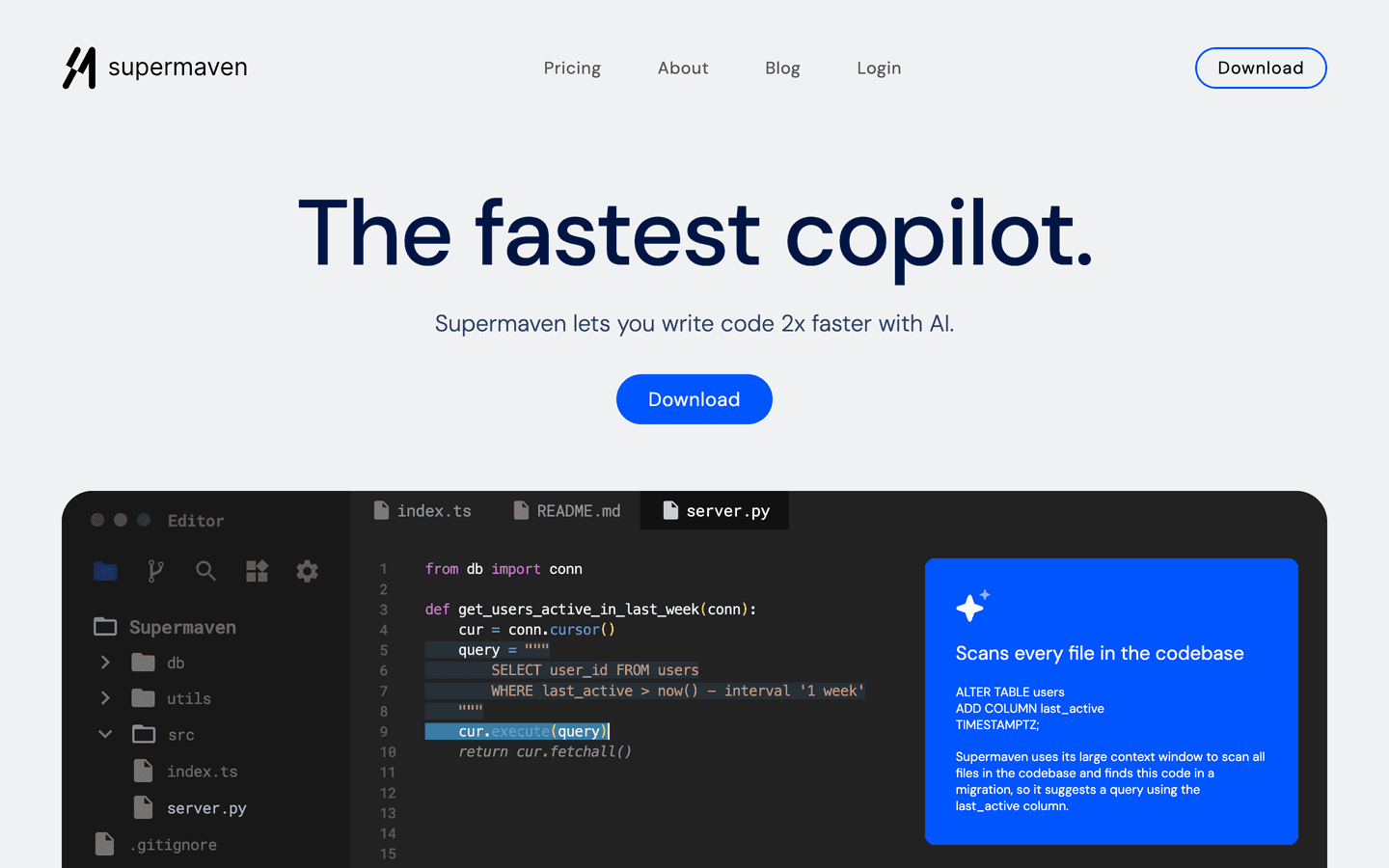
Supermaven is an innovative AI-powered code completion tool designed to enhance developer productivity by providing fast, high-quality code suggestions. With its unique ability to understand and adapt to individual coding styles, Supermaven allows developers to write code up to 2x faster than traditional methods. The tool is compatible with popular development environments such as VS Code, JetBrains IDEs, and Neovim, making it accessible to a wide range of users.
One of its standout features is the impressive 1 million token context window, which enables it to handle large codebases efficiently. This capability not only improves the accuracy of suggestions but also allows developers to maintain context over extensive coding sessions. Supermaven is built on cutting-edge AI technology, ensuring that it remains at the forefront of code completion tools.
Whether you are a solo developer or part of a larger team, Supermaven offers a free tier that provides essential features, with the option to upgrade for advanced functionalities. The tool is trusted by engineers at leading tech companies, showcasing its reliability and effectiveness in real-world applications. By streamlining the coding process, Supermaven empowers developers to focus on creativity and problem-solving, ultimately leading to faster project completion and improved software quality.
Core Features
- AI-driven code suggestions
- 1 million token context window
- Adapts to coding style
- Supports large codebases
- Compatible with multiple IDEs
- Fast response times
- Real-time collaboration
- Error fixing with diagnostics
- Centralized user management
- Team billing options
Use Cases
- Accelerating code writing for solo developers
- Enhancing team collaboration on coding projects
- Improving code quality with AI suggestions
- Reducing debugging time with error diagnostics
- Facilitating learning for new developers
- Integrating with existing development workflows
- Supporting large-scale software projects
- Adapting to various programming languages
- Streamlining code reviews
- Automating repetitive coding tasks
Pros & Cons
Pros
- Increases coding speed significantly
- Adapts to individual coding styles
- Supports large codebases effortlessly
- Compatible with popular IDEs
- Offers a free tier for users
- Real-time error diagnostics
- Centralized management for teams
- Fast and reliable suggestions
- User-friendly interface
- Regular updates and improvements
Cons
- Limited features in the free tier
- Requires internet connection
- May have a learning curve
- Not all languages supported
- Performance may vary with large projects
Video Review
FAQs
Supermaven Alternatives

Lyro

Pixlr

Captitles
