


Overview
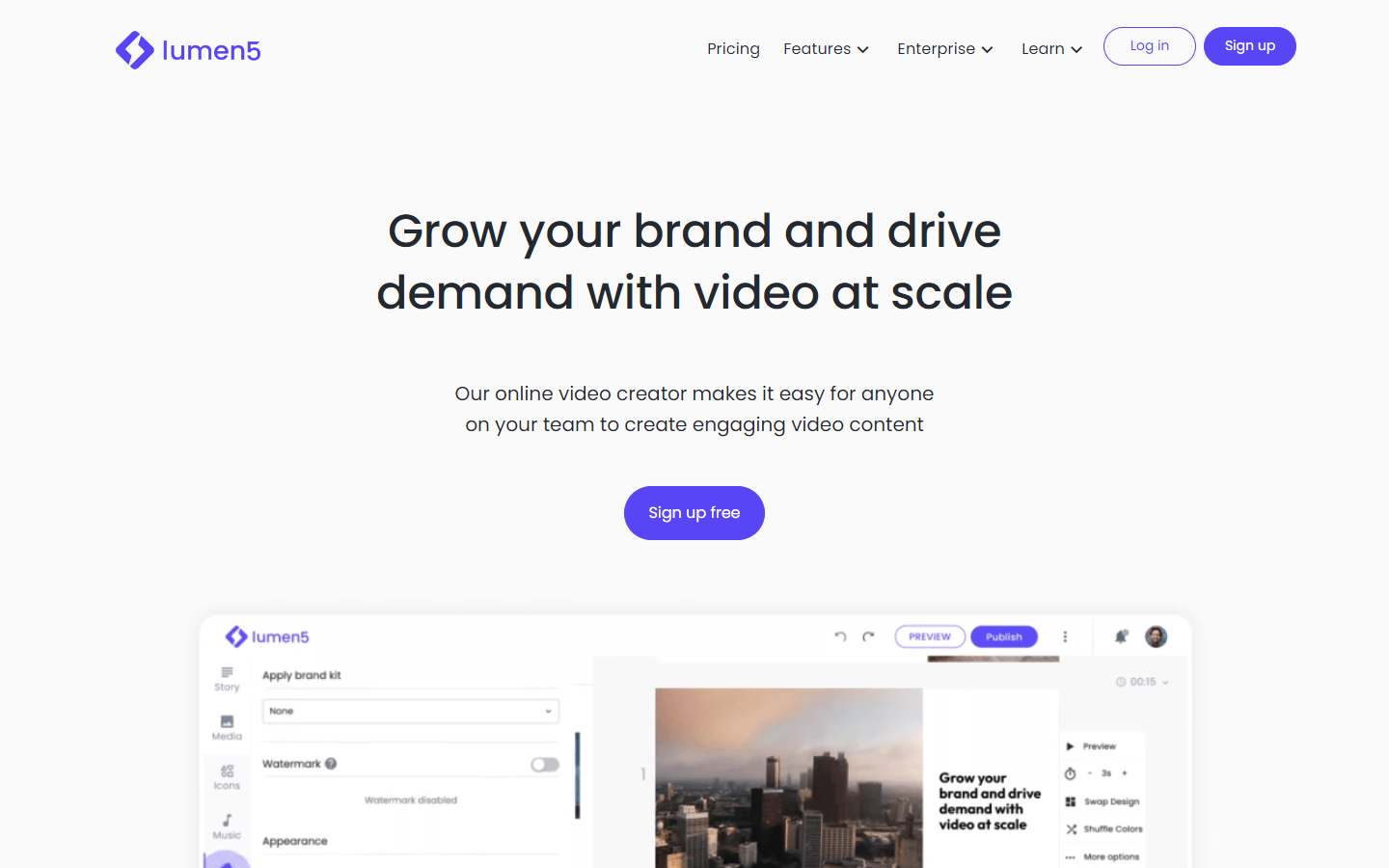
Lumen5 is an online video creation platform designed to help users create engaging and professional videos quickly and easily, even if they have no prior experience with video editing. The platform uses artificial intelligence (AI) technology to automate the process of creating videos from text content such as blog posts, articles, or scripts. This allows users to focus on selecting relevant images, videos, and music to accompany their message, rather than worrying about complex editing techniques.
Lumen5 offers a variety of templates, themes, and customization options, enabling users to tailor their videos for different purposes like social media marketing, internal communication, or educational content. Users can upload their own media assets or choose from millions of free stock photos, videos, and audio tracks provided by Lumen5’s library. Once completed, the platform also makes it easy to share your creations directly to popular social media platforms or download them for offline use.
Core Features
AI-driven video creation: Lumen5's AI algorithms analyze input text and automatically suggest relevant visual elements, ensuring that the final video effectively communicates its intended message.
Customizable templates and themes: Choose from various pre-designed templates and themes to suit your branding guidelines and desired style.
Media library integration: Access a vast collection of royalty-free images, videos, and audio tracks within Lumen5 or connect your personal Google Drive, Dropbox, or Instagram accounts to import your own media assets.
Branding tools: Add watermarks, logos, and custom colors to ensure consistency across all your video projects.
Text animation: Animate static text in creative ways using built-in animations, font styles, and formatting options.
Collaboration tools: Invite team members to collaborate on video projects, allowing you to work together more efficiently.
Auto-resize: Create multiple versions of your video optimized for different aspect ratios and platforms, saving time when preparing content for cross-platform distribution.
Analytics dashboard: Track performance metrics of published videos to gauge engagement levels and adjust future strategies accordingly.
Affordable pricing plans: Offers several pricing tiers catering to individual needs, small businesses, or large enterprises, including a limited but functional free plan.
Use Cases
Social Media Marketing: Use Lumen5 to convert existing blog posts into visually appealing short videos perfect for sharing on Facebook, Twitter, LinkedIn, and other social media platforms to drive traffic back to your website.
Product Demonstrations: Showcase new products or services by combining product shots, explainer graphics, and customer testimonials to create informative and persuasive demo videos for YouTube channels, websites, or landing pages.
Internal Communication: Share important company updates, announcements, or training materials with employees through captivating videos created using Lumen5. These could be used for weekly meetings, email newsletters, or intranet portals.
Content Upgrades: Entice visitors to subscribe to your mailing list or engage with your content further by offering exclusive video content upgrades related to specific blog posts or resources.
Educational Tutorials: Develop step-by-step tutorials or how-to guides covering various topics, making learning easier and more enjoyable for viewers while positioning yourself or your business as an expert in your industry.
Event Promotions: Build excitement around upcoming events, webinars, conferences, or meetups by promoting them via attention-grabbing teaser videos featuring highlights, speakers, dates, locations, and registration information.
Real Estate Listings: Quickly generate property listing videos showcasing high-quality images, virtual tours, and essential details such as price, location, square footage, and amenities.
Infographics: Convert written data points or research findings into dynamic infographic-style videos that present statistics, trends, and insights in an accessible format suitable for any audience.
Podcast Episodes: Enhance podcast listening experiences by adding visually interesting clips, episode summaries, guest bios, and quotes to attract listeners and encourage shares across social media networks.
Personal Announcements & Celebrations: Utilize Lumen5 to craft memorable birthday wishes, anniversary greetings, graduation congratulations, wedding invitations, baby shower announcements, or holiday messages that combine moving imagery, heartfelt sentiments, and personal touches to make loved ones feel special.
Pros & Cons
Pros
User-friendly interface
Fast video production
Extensive media library
Customizable templates
Team collaboration feature
Multi-platform output formats
Integrated with cloud storage
Automatic caption generation
Cost-effective pricing plans
Saves time compared to manual editing
Preview mode before exporting
Music selection assistance
Video resizing tool
Image slideshow creator
Progress tracking system
Easy-to-use drag-and-drop builder
Flexible subscription packages
Watermark removal available
No software installation needed
Provides analytics dashboard
Cons
Limited advanced editing options
Some may find AI suggestions too generic
Output quality varies based on template choice
Free version has watermarked outputs
Occasionally slow rendering speed
Restricted access to premium content
Can become expensive at higher tier levels
May require additional image processing
Sound effects not included in library
Doesn't support certain file types natively
Limited control over layout design
Export settings aren't always optimal
Audio sync issues occasionally occur
Templates might lack originality
Less flexibility without internet connection
Learning curve for first-time users
Inability to edit previously rendered files
Dependent on third-party servers for functionality
Subtitles cannot exceed two lines per frame
Limited color grading capabilities
FAQs
Lumen5 Alternatives
Higgsfield AI

Bard

Cynagon
