


Github Copilot
The world’s most widely adopted AI developer tool.Explore AI Tools
Overview
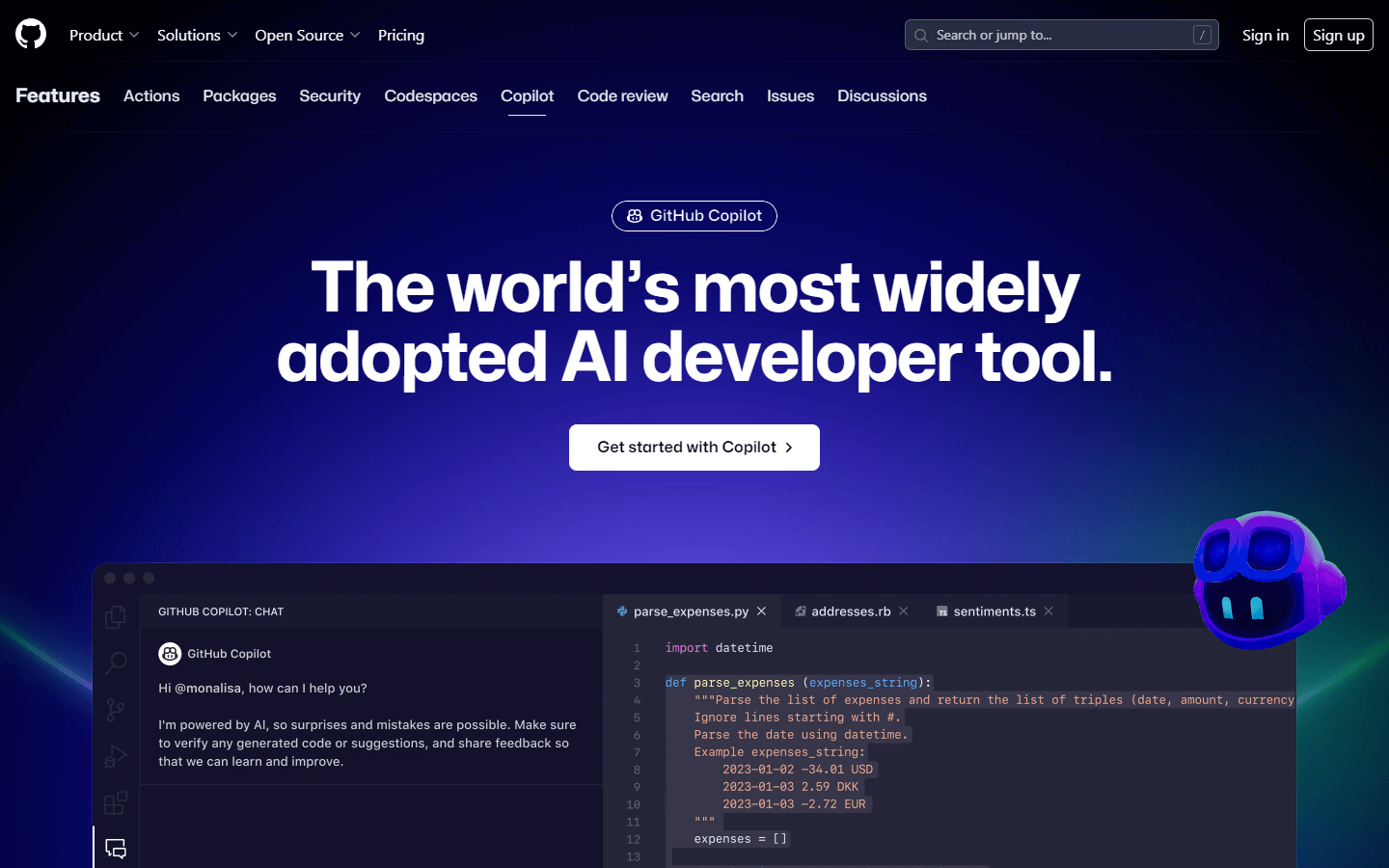
GitHub Copilot is an AI-powered tool that provides autocomplete-style suggestions as you code. It acts like a pair programmer, helping you write code faster and with greater accuracy. GitHub Copilot analyzes the context in the file you are editing, as well as related files, and offers suggestions based on its understanding of your code and comments. The model behind GitHub Copilot is trained on publicly available code on GitHub, allowing it to offer relevant suggestions across various programming languages. However, since it learns from open-source code, there might be instances where it suggests insecure coding patterns, bugs, or references to outdated APIs or idioms. GitHub Copilot is available as extensions in several integrated development environments (IDEs) such as Visual Studio Code, Visual Studio, Vim, Neovim, JetBrains suite of IDEs, and Azure Data Studio. To use GitHub Copilot, you need to sign up for a free trial or subscription if you haven’t already participated in the previous technical preview.
Core Features
AI-Powered Autocompletion: Offers real-time, intelligent suggestions while writing code, saving developers time and effort by reducing keystrokes.
Contextual Understanding: Analyzes the current document and other relevant files to provide accurate and helpful suggestions tailored to the developer's needs.
Multi-Language Support: Provides support for multiple programming languages, including popular ones like Python, JavaScript, TypeScript, Ruby, C++, Java, Go, SQL, Rust, Bash, HTML, CSS, JSON, YAML, Markdown, and more.
Integrated Development Environment (IDE) Integration: Available as extensions in many popular IDEs, ensuring seamless integration into existing workflows. Currently supported IDEs include Visual Studio Code, Visual Studio, Vim, Neovim, JetBrains suite of IDEs, and Azure Data Studio.
Code Formatting: Supports formatting source code according to community standards and conventions when providing suggestions, leading to cleaner and more readable code.
Works Alongside Existing Tools: Complements and works alongside tools such as linters, formatters, and version control systems without interfering with their functionality.
Customizable Settings: Allows users to customize settings within the IDE to fine-tune how GitHub Copilot functions, making it adaptable to individual preferences and requirements.
Subscription Model: Users can access GitHub Copilot through a paid monthly or yearly subscription after completing a free trial period.
Security and Ethical Considerations: GitHub Copilot includes mechanisms to prevent copying sensitive information from user projects, and it encourages ethical behavior among developers using the service. Additionally, Microsoft has published guidelines regarding responsible AI practices and data usage for transparency and accountability.
Use Cases
Boilerplate Reduction: When setting up new projects, quickly generate repetitive boilerplate code, such as creating classes, constructors, methods, imports, or configuration blocks.
Debugging Assistance: While debugging, get help identifying issues by generating alternative versions of problematic code snippets, test cases, or sanity checks.
Refactoring Legacy Code: Easily refactor legacy codebases by getting suggestions for renaming variables, updating function arguments, or modernizing language syntax and libraries.
Pair Programming: Collaborate remotely with teammates by sharing ideas and implementing them together, allowing both coders to benefit from GitHub Copilot's assistance during live sessions.
Generating Test Scenarios: Automatically create unit tests and functional test scenarios for newly implemented logic or modules, improving overall test coverage.
API Documentation Exploration: Learn about unfamiliar API documentation by having GitHub Copilot suggest examples based on provided descriptions and method headers, accelerating learning curves.
Coding Challenges: Quickly solve coding challenges found in online platforms or practice interviews by utilizing GitHub Copilot to propose solutions for complex problems, then tweak and optimize them accordingly.
Documentation Generation: Generate code comments, docstrings, or README files automatically based on project structure and implementation details, keeping documentation up-to-date and consistent.
Cross-Platform Porting: Simplify porting code between different frameworks, libraries, or operating systems by suggesting equivalent implementations adapted to target environments.
Exploratory Learning: Experiment with new technologies or concepts by asking GitHub Copilot questions or requesting demos, enabling a more interactive and engaging way of familiarizing yourself with novel topics.
Pros & Cons
Pros
Increased productivity
Time savings
Improved code quality
Contextually aware suggestions
Cross-language compatibility
Seamless IDE integrations
Customizable settings
Works alongside other tools
Encourages exploration
Accessible for beginners
Helps maintain consistency
Accelerates prototyping
Suggests best practices
Generates templates
Enhances collaboration
Makes code reviews easier
Facilitates quick fixes
Fosters experimentation
Broadens skillset
Reinforces correctness
Cons
Limited creative thinking
Inaccuracies in generated code
Reliance on training data
Security concerns
Potential licensing conflicts
Lack of deep domain knowledge
Dependency on internet connection
Overconfident suggestions
Occasionally distracting
Not suitable for all tasks


