


FlexClip
Easily create and edit videos for the brand, marketing, social media, family, and any other purpose.Explore Streaming Services
Overview
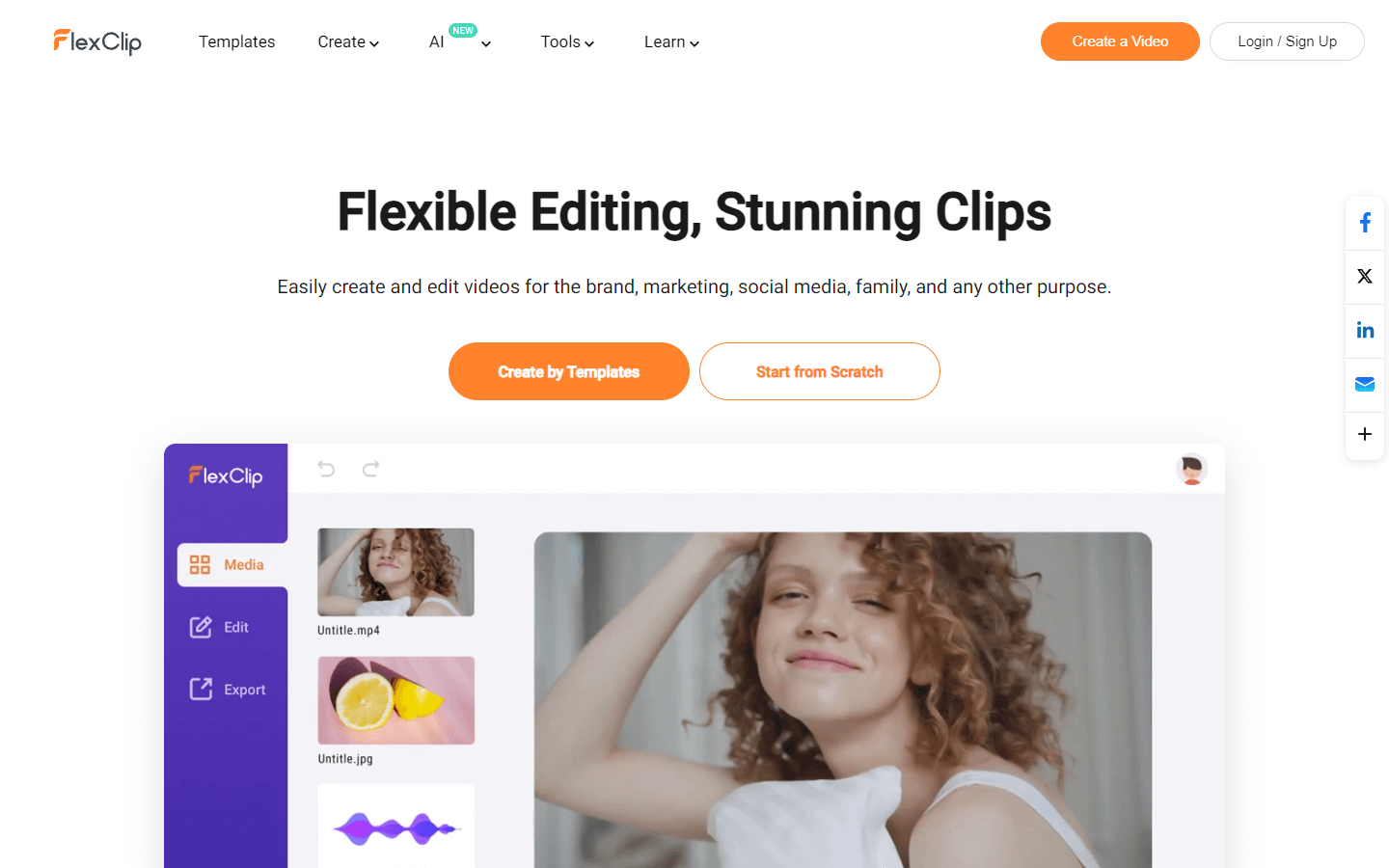
FlexClip is an online video editing tool that allows users to create professional-looking videos for personal or business purposes, even if they have no prior video editing experience. It offers a wide variety of features and tools that can be used to create videos for a variety of purposes, including marketing, education, and social media. Some of the key features of FlexClip include:
-
A large library of royalty-free templates and stock assets, including videos, photos, and music, that can be used to create videos quickly and easily.
-
A user-friendly interface that is easy to navigate, even for beginners.
-
A wide variety of editing tools, including the ability to add text, music, transitions, and effects to videos.
-
The ability to export videos in a variety of formats, including MP4, MOV, and WMV.
FlexClip is a free to use tool, but it also offers a premium plan that includes additional features, such as the ability to export videos in higher resolutions and without watermarks.
Overall, FlexClip is a versatile and user-friendly video editing tool that can be used to create professional-looking videos for a variety of purposes.
Core Features
Templates: FlexClip offers a wide variety of templates for different purposes, including business promo videos, real estate videos, and social media videos.
AI tools: FlexClip offers a number of AI-powered tools, including AI text to video, AI video script, and AI image generator.
Video editing tools: FlexClip offers a variety of video editing tools, including trimming, cutting, adding text, adding music, and adding transitions.
Stock assets: FlexClip offers a library of royalty-free stock assets, including music, videos, and photos.
Collaboration: FlexClip allows users to collaborate on video editing projects in real time.
Use Cases
Creating a business promo video
Making a real estate video
Creating a news video
Producing a corporate video
Developing a trailer video
Making a tutorial video
Creating a birthday video
Producing a wedding video
Making a slideshow
Editing a video
Pros & Cons
Pros
Easy to use, even for beginners
Large library of royalty-free stock assets
AI-powered tools, such as AI Text to Video and AI Auto Subtitle
Free to use
No watermark on exported videos (with a paid plan)
Collaborate with others on video projects
Export videos in a variety of formats
Cons
Limited to 12 video project saves (with a free plan)
Some features are basic
No offline editing
Limited customer support
Not ideal for complex video editing projects
Video Review
FAQs
FlexClip Alternatives

Beacons

InstaPhotoAI

Bardeen
