


Overview
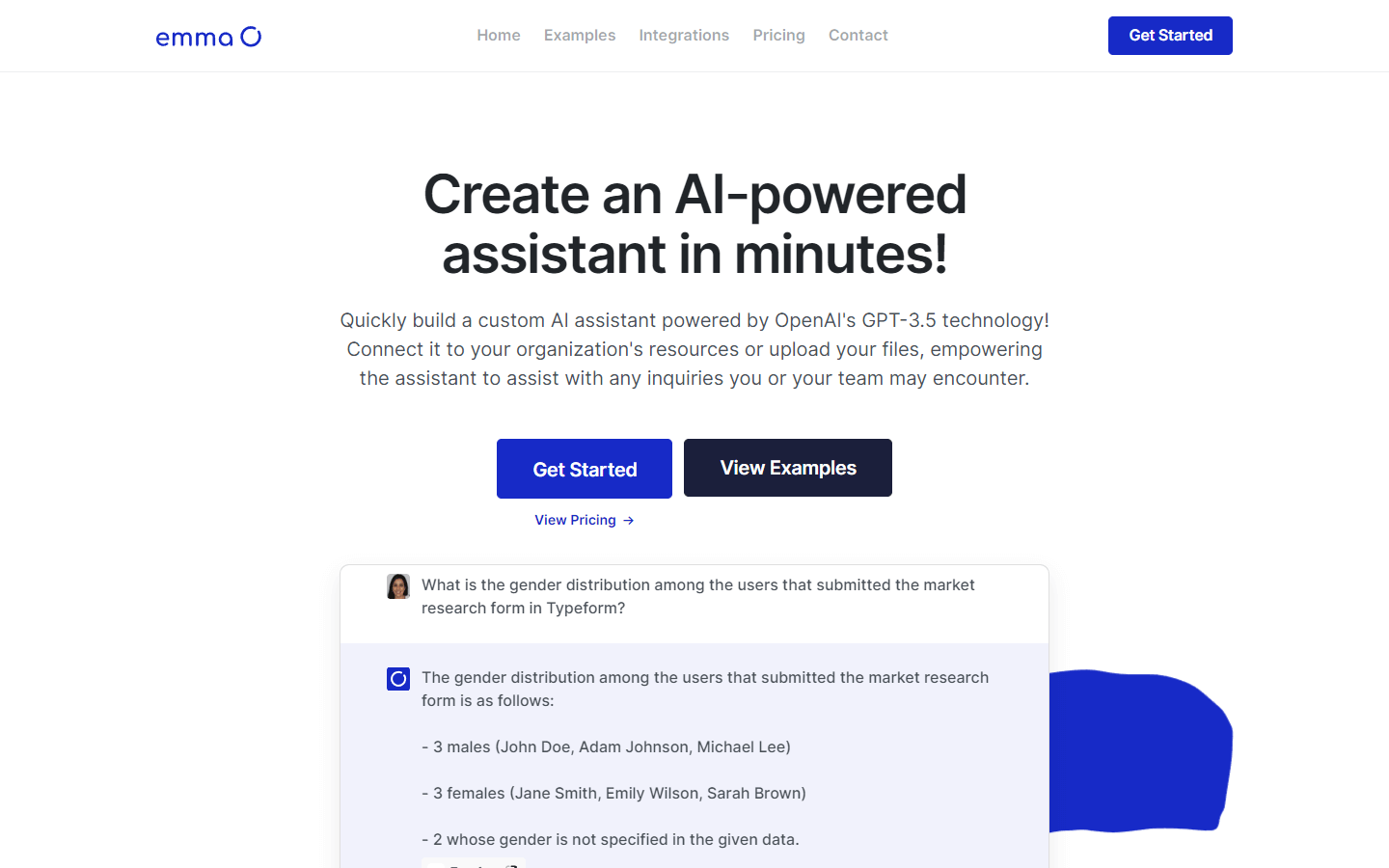
Emma is an AI-powered assistant that can be used to automate tasks and answer questions. It is powered by OpenAI’s GPT-3.5 technology and can be connected to a variety of data sources, including your organization’s resources, files, and integrations.
Core Features
Ability to create a custom AI assistant in minutes.
Ability to connect the assistant to your organization's resources or upload your files.
Ability to answer any inquiries you or your team may encounter.
Ability to personalize the assistant's knowledge by uploading documents, integrating with your business tools, or adding manual content.
Ability to customize the assistant's chat page by adding a personalized image, cover image, and color.
Use Cases
Creating a chatbot assistant that connects to your business data and integrations. This can save you time by retrieving information without the need for manual searches or team inquiries.
Getting a help-desk assistant chatbot running quickly by connecting your data sources.
Creating an assistant for each of your teams, projects, or workflows. You can customize data access for each assistant, increasing your team's efficiency by 90%.
Integrating your assistant into your favorite applications, such as Slack, support applications, Zapier, Email software, and more!
Answering customer questions about your products or services.
Providing personalized recommendations to customers.
Scheduling appointments and meetings.
Generating reports and summaries of data.
Creating and managing marketing campaigns.
Automating repetitive tasks.
Pros & Cons
Pros
Quick setup: Create an AI assistant in minutes.
Customization: Tailor the assistant to your specific needs.
Data connectivity: Connect to various data sources.
App integration: Integrate with your favorite applications.
Unlimited assistants: Create as many assistants as needed.
Data access control: Easily manage the data each assistant can access.
Improved efficiency: Automate tasks and retrieve information quickly.
Personalized support: Provide personalized recommendations and answer customer questions.
Team collaboration: Create assistants for each team or project.
Workflow automation: Automate repetitive tasks and streamline workflows.
Cons
Training time unclear: Unclear how long it takes to train an assistant.
Customization limits: Level of interface and functionality customization unknown.
Potential privacy concerns: Sharing data with the AI assistant raises privacy concerns.
Limited data sources: May not connect to all desired data sources.
Reliance on technology: Requires a stable internet connection and functional technology.
Job displacement concerns: Automation may lead to job displacement in some industries.
Potential for bias: AI assistants can perpetuate biases present in their training data.
Lack of human touch: AI assistants may not be able to provide the same level of empathy and understanding as humans.