

ChatPDF
Chat with any PDF - Your PDF AI to ask your PDF anythingExplore AI Tools
Overview
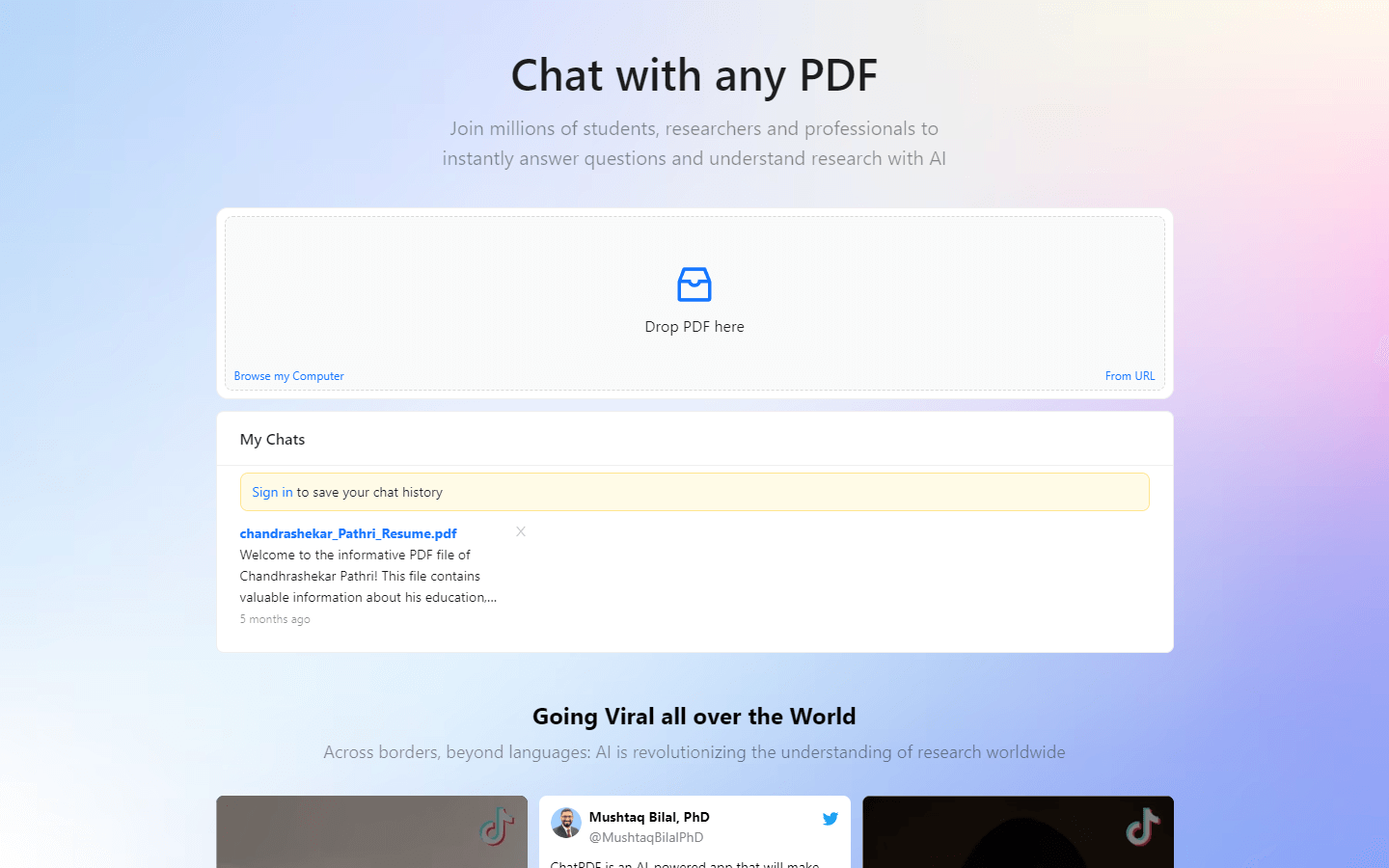
ChatPDF is an AI-powered tool that allows users to ask questions and get answers from any PDF document. It is like ChatGPT, but specifically for PDFs. Users can upload a PDF and then ask questions about the content, and ChatPDF will provide answers and summarize the document.
Core Features
Sure, here is what I found about core features of ChatPDF:
Summarize and answer questions for free.
Ask questions to any PDF for fast insights.
Cited Sources - Answers contain references to their source in the original PDF document.
Any Language - Works worldwide!
Multi-File Chats - Create folders to organize your files and chat with multiple PDFs in one single conversation.
Use Cases
Customer Service: Upload product manuals and FAQs to instantly answer customer questions about features, troubleshooting, and warranty information.
Technical Support: Provide engineers with instant access to knowledge base articles and technical specifications within complex PDFs, increasing problem-solving efficiency.
Sales Training: Train new sales reps by having them ask questions about product brochures and competitor analysis reports, simulating real-world scenarios.
Market Research: Upload competitor reports and analyze them by asking targeted questions about market share, product offerings, and pricing strategies.
Contract Review: Quickly scan legal contracts and identify key clauses, obligations, and potential risks by asking specific questions in plain language.
Academic Research: Analyze research papers and academic journals by asking questions about methodologies, findings, and conclusions, saving time and effort.
Historical Analysis: Upload historical documents and explore events, figures, and timelines by asking open-ended questions to gain new perspectives.
Compliance Training: Ensure employees understand company policies and procedures by uploading them and having them ask clarifying questions.
Product Troubleshooting: Empower customers to self-diagnose issues by uploading user manuals and allowing them to ask questions for step-by-step troubleshooting guidance.
Accessibility Enhancement: Make complex PDFs accessible to everyone by allowing users with visual impairments to ask questions and receive audio summaries.
Pros & Cons
Pros
Intuitive Chat Interface: Ask questions naturally, like having a conversation with the document.
Multilingual Support: Access information in various languages, breaking down language barriers.
Summarization Efficiency: Quickly grasp key points without skimming through pages.
Cited Sources: Answers reference specific sections in the PDF for verification.
Multi-File Chats: Organize related documents and ask questions across them seamlessly.
Free Tier: Explore basic features without financial commitment.
Accessibility Enhancement: Audio summaries empower those with visual impairments.
Time-Saving: Get answers rapidly, avoiding lengthy document analysis.
Knowledge Expansion: Deepen understanding of complex topics with ease.
Research Acceleration: Find relevant information from various sources efficiently.
Cons
Accuracy Limitations: AI interpretation may miss nuances or misinterpret information.
Privacy Concerns: Uploading sensitive documents requires trust in data security.
Offline Restrictions: Requires internet connection for functionality.
Complex Document Challenges: May struggle with intricate layouts or non-textual content.
Free Tier Limits: Usage restrictions might hinder extensive use for some.
No Offline Access: Can't use without internet connection, limiting portability.
Integration Lack: No browser extensions or direct document integration yet.
Cost for Advanced Use: Paid plans required for higher usage volumes.
Learning Curve: New users might need some practice to refine question phrasing.
Bias Potential: Underlying AI may inherit biases present in training data.
Video Review
FAQs
ChatPDF Alternatives

Droxy AI

Pebblely

Fireflies.ai
