


CapCut
Free all-in-one video editorTry Video Editors
Overview
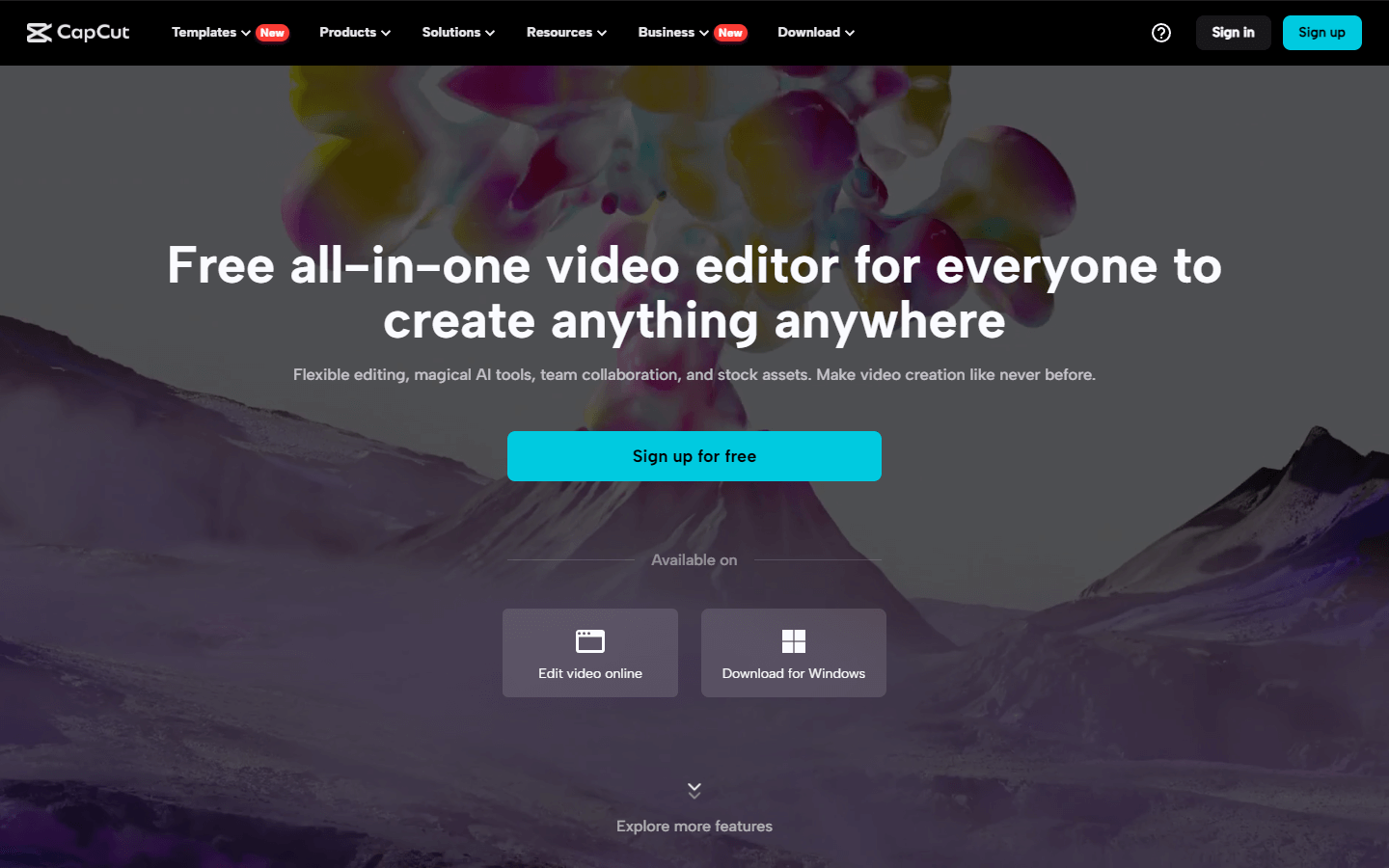
CapCut is a free, all-in-one video editing app that empowers anyone to create professional-looking videos. Whether you’re a social media enthusiast, a budding filmmaker, or simply looking to add a creative touch to your home videos, CapCut provides all the features you need. With its intuitive interface and wide range of editing tools, you can trim clips, add music and effects, adjust speed, and even incorporate text and stickers. CapCut also offers trendy templates and AI-powered features to streamline your workflow and elevate your videos.
Core Features
Easy-to-use editing tools: Trim, split, merge, and adjust video clips.
Rich library of music, sound effects, and free-to-use songs.
Trendy video effects, filters, and transitions.
Text overlays, stickers, and animations for visual storytelling.
Text-to-speech conversion for effortless narration.
Smart speed adjustments: Slow motion, fast motion, and custom curves.
High-quality video export with various resolution options.
Cloud storage for seamless project management (paid subscription).
Collaborative editing: Work on projects with friends (paid subscription).
Use Cases
Create engaging videos for social media platforms like TikTok, YouTube, and Instagram.
Edit short video clips and funny moments for your friends and family.
Craft product reviews and tutorials with clear visuals and voiceovers.
Promote your business or brand with visually captivating ads.
Make creative music videos or lip-sync compilations.
Add music and effects to slideshows and photo albums.
Edit travel vlogs and capture your adventures in a dynamic way.
Enhance educational content with interactive video elements.
Trim and adjust gameplay footage to share your gaming achievements.
Personalize birthday greetings, event invitations, and announcements.
Pros & Cons
Pros
Free to use with basic features.
User-friendly interface for beginners and casual users.
Extensive library of free-to-use music and effects.
Trendy templates and AI-powered tools for effortless editing.
High-quality video export capabilities.
Multi-platform availability: mobile app, web app.
Collaborative editing features (paid subscription).
Cloud storage for project management (paid subscription).
Continuously updated with new features and trends.
Great resource for creating social media content.
Cons
Limited advanced editing features in the free plan.
Watermark on exported videos (removable with paid subscription).
Some music options require paid subscription.
Cloud storage limited in the free plan (increased with paid subscription).
Not as comprehensive as professional video editing software.
Primarily focused on mobile use with a web app as an alternative.
In-app purchases can be confusing for new users.
May require some time to explore and master all features.
Lacks advanced audio editing capabilities.
Video Review
FAQs
CapCut Alternatives

AI Paraphrasing Tool by Leap AI

RenderNet

vidyo.ai
