
AIEasyPic
Simplifying AI Image Generation
Overview
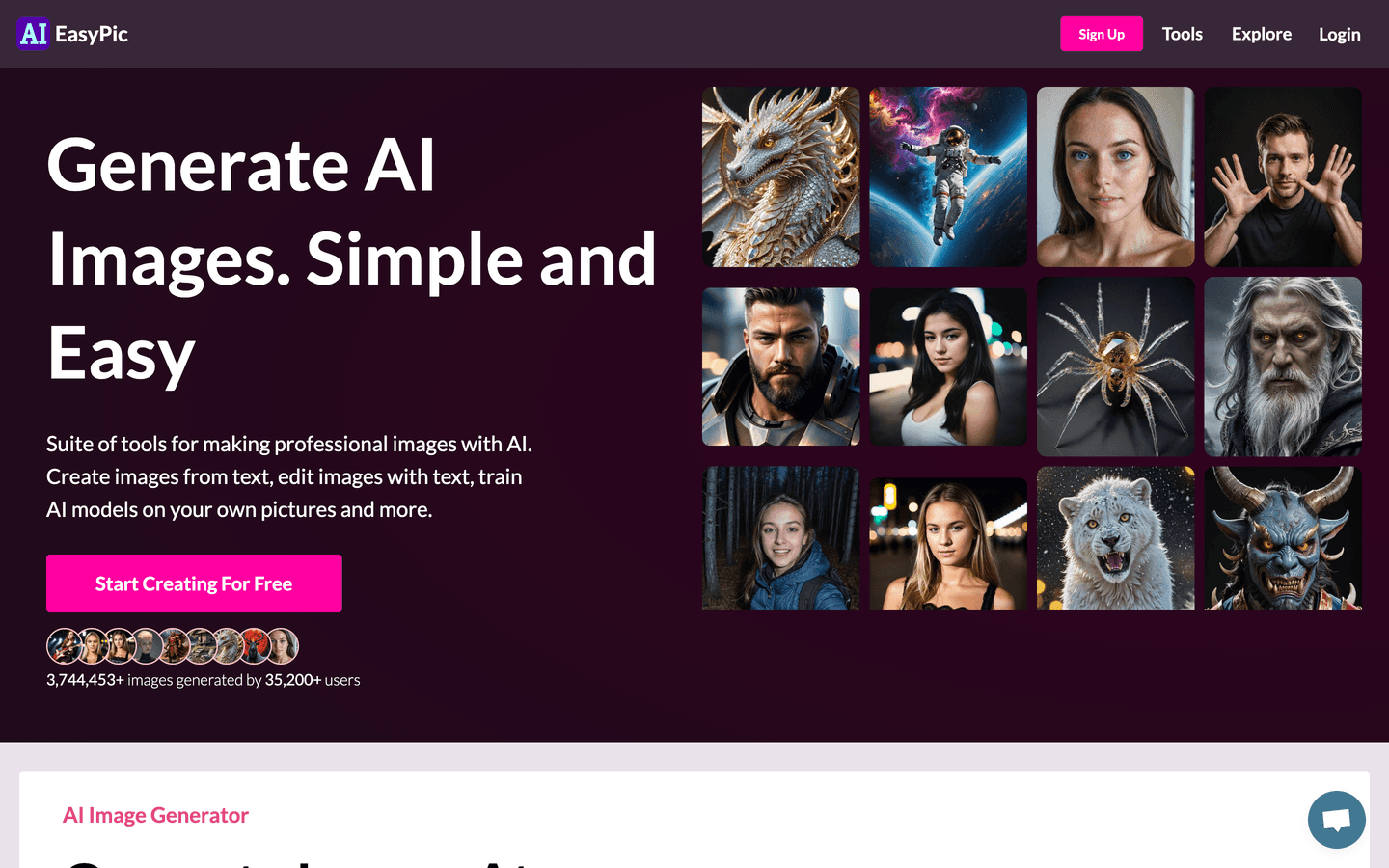
AIEasyPic is a revolutionary AI tool designed to simplify the process of image generation and editing. With its user-friendly interface, AIEasyPic allows users to create stunning visuals from text prompts in seconds. Leveraging advanced AI technologies like Stable Diffusion, ControlNet, and LoRAs, AIEasyPic empowers users to generate images that match their creative vision without the need for complex setups or expensive hardware.
Whether you’re a professional artist, a marketer, or just someone looking to explore your creativity, AIEasyPic offers a suite of tools that cater to all your image generation needs. Users can generate images, edit existing ones, and even train custom AI models using their own pictures. The platform supports a variety of functionalities, including real-time image generation, face swapping, and background removal, making it a versatile choice for anyone interested in digital art.
With AIEasyPic, the possibilities are endless, and creativity knows no bounds. Join thousands of creators who have already generated millions of images and start your journey today!
Core Features
- Text to Image Generation
- Realtime Image Creation
- Face Swapping
- Background Removal
- Image Editing with Inpainting
- Model Training with Personal Images
- High-Resolution Image Generation
- Priority Support
- Community-Trained Models
- User-Friendly Interface
Use Cases
- Create unique artwork from text descriptions
- Generate marketing visuals quickly
- Edit images for social media posts
- Train custom models for specific styles
- Swap faces in photos for fun
- Remove backgrounds from images effortlessly
- Produce high-quality images for presentations
- Create personalized avatars or characters
- Generate images for blog content
- Explore creative ideas with AI-generated visuals
Pros & Cons
Pros
- User-friendly interface for all skill levels
- Fast image generation in seconds
- Supports custom model training
- High-resolution output available
- Wide range of editing tools
- Community-driven model sharing
- No complex setup required
- Affordable pricing plans
- Free plan available for beginners
- Active support for users
Cons
- Limited free credits per month
- Some features may require a subscription
- Learning curve for advanced tools
- Internet connection required
- Occasional generation errors
FAQs
AIEasyPic Alternatives

ChatGPT Atlas

Pippit AI

Leonardo AI
