


Overview
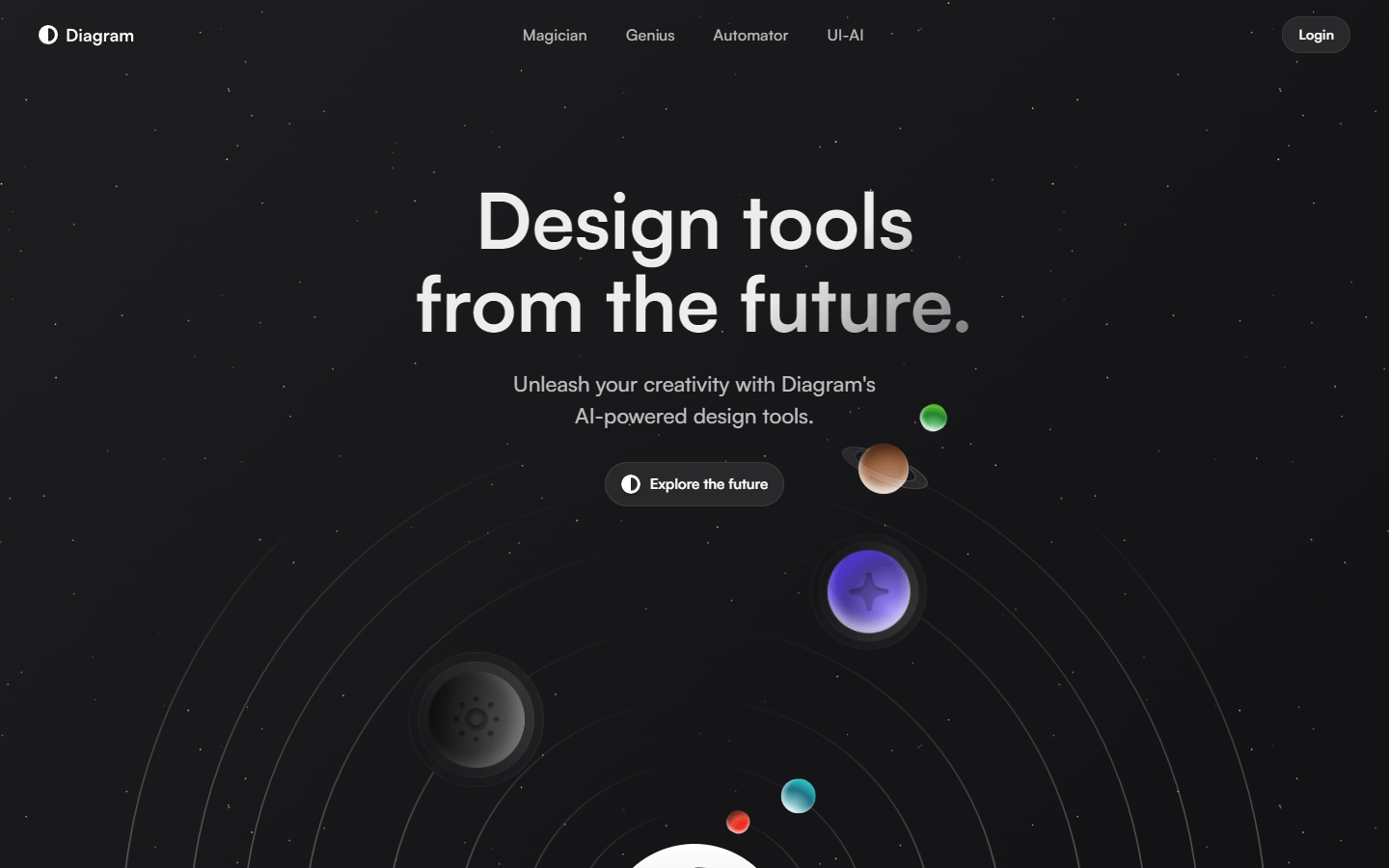
Diagram is an AI-powered design tool that helps users with various design tasks such as generating icons, renaming layers, and creating mockups. It integrates with Figma, a popular design software, to offer these functionalities. Diagram also offers pre-made design elements such as stars and planets. Users can search for these elements and add them to their designs.
Core Features
Magic Rename: This feature intelligently names layers in Figma to save designers time.
Magic Copy: This feature writes, edits, and rewrites Figma text layers, allowing designers to use real copy in their designs.
Generate SVG icons: This feature generates infinitely scalable SVG icons for any purpose.
Use Cases
A graphic designer uses Magic Rename to quickly and consistently name layers in a complex Figma document, saving them time and ensuring consistency.
A UX/UI designer uses Magic Copy to write placeholder text for a user interface prototype in Figma, making it appear more realistic and user-friendly during testing.
A social media manager uses Diagram to generate unique and eye-catching SVG icons for use in their social media posts, grabbing attention and enhancing their brand identity.
A marketing team uses Diagram to create mockups of their upcoming marketing campaign landing page in Figma, visualizing and iterating on the design before development begins.
A product manager collaborates with a designer using Figma and Diagram to define the user interface (UI) elements for their new mobile app, ensuring clarity and functionality.
A web developer references a Diagram-generated mockup during the development process, ensuring the final website adheres to the intended design and user flow.
A content creator uses Diagram to quickly generate star and planet icons to illustrate their blog post about astronomy, adding visual interest and engaging their audience.
A student uses Diagram to create a mind map in Figma to organize their notes and study plan for an upcoming exam, helping them visualize and solidify their understanding of the material.
A teacher uses Diagram to create an interactive flowchart in Figma to explain a complex scientific concept to their students, making the learning process more engaging and visually appealing.
A business owner uses Diagram to create a presentation in Figma to pitch their new product to potential investors, using the tool's design elements and functionalities to deliver a compelling and visually impactful pitch.
Pros & Cons
Pros
Saves time: Features like Magic Rename & Copy streamline Figma workflows.
Enhances design: Generates icons, offers pre-made elements, and integrates with Figma.
Improves communication: Collaboratively design with others using Figma integration.
Increases efficiency: Automates repetitive tasks and generates content.
Boosts creativity: Provides tools for exploring and expressing design ideas.
Offers customizability: Adjust generated elements and personalize designs.
Accessible to various users: Caterers to designers, marketers, educators, and more.
Supports different design needs: Offers features for mockups, presentations, and prototypes.
Potentially cost-effective: May replace the need for separate design tools.
Integrates with popular software: Seamlessly works with Figma, a well-known design tool.
Cons
Limited functionalities: May not offer the full range of features found in dedicated design software.
Reliance on AI: Outputs may require adjustments and may not always meet specific needs.
Learning curve: Requires users to learn the tool and its functionalities.
Potential for errors: AI-generated content might require manual correction.
Limited control over generated content: Users might have less control compared to manual creation.
Subscription model: May incur ongoing costs, not a one-time purchase.
Security concerns: Sharing designs through Figma integrations might require security considerations.
Overdependence on automation: Overreliance on AI features might hinder creativity.
Ethical considerations: AI-generated designs might raise concerns about originality and ownership.
Limited accessibility: May not be accessible to users with disabilities or limited internet access.


