


Taskade
AI-Powered Productivity. A Second Brain for Teams
Overview
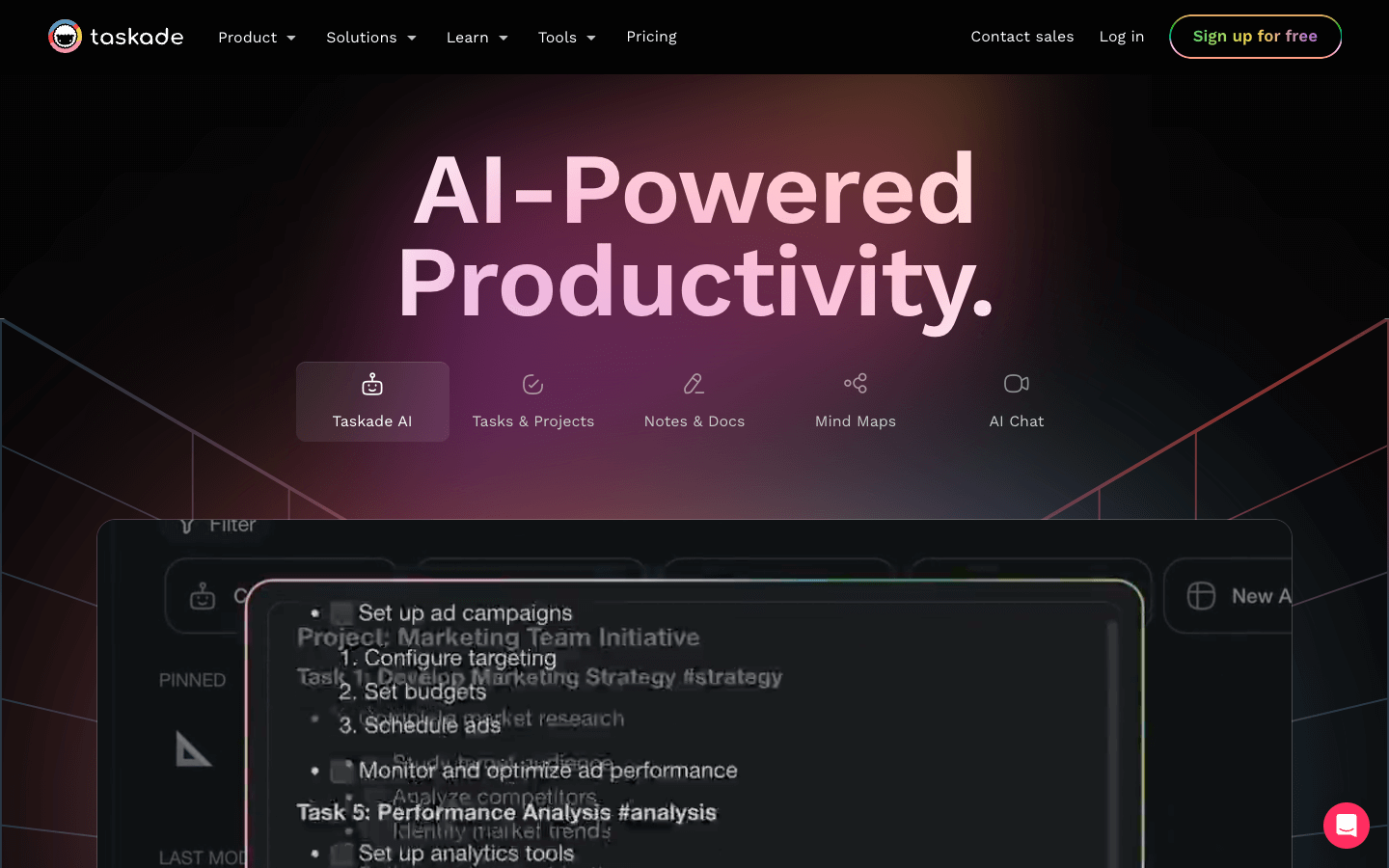
Taskade is an AI-powered productivity tool that combines task management, note-taking, project management, and communication features. It boasts a variety of features to help users stay organized and on top of their work, including to-do lists, mind maps, kanban boards, and chat functionality. Users can also collaborate with others in real-time. Taskade integrates with popular calendar services like Google Calendar and Apple Mail.
Core Features
Task management: Create and manage to-do lists, set due dates, and add reminders. Break down complex projects into smaller tasks using subtasks.
Project management: Use Kanban boards, mind maps, and org charts to manage projects. Collaborate on projects with others in real-time.
AI-powered features: Get AI-powered task suggestions, AI-generated workflows, and use AI chat.
Collaboration: Share projects, chat with others, and video call with teammates.
Integrations: Integrate Taskade with popular apps like Google Calendar, Apple Mail, and Outlook.
Use Cases
Remote Team Collaboration: Manage tasks, share documents, brainstorm ideas, and hold virtual meetings, all in one platform, keeping everyone connected and aligned.
Content Marketing Team: Organize content calendars, assign writing tasks, track deadlines, and collaborate on drafts and revisions using Taskade's real-time editing features.
Software Development Team: Utilize Kanban boards for visualizing workflows, manage bugs and feature requests, and track progress throughout the development lifecycle.
Event Planning: Create detailed plans with checklists, assign tasks to team members, and track progress in real-time, ensuring a smoothly run event.
Student Project Management: Collaborate on group projects, share research findings, take notes during discussions, and manage individual tasks and deadlines within the project.
Personal Productivity: Break down personal goals into smaller actionable steps, set reminders and deadlines, and track progress using Taskade's to-do lists and mind maps.
Freelance Work Management: Manage multiple client projects, track time spent on each task, collaborate with clients through shared notes and documents, and ensure timely project delivery.
Brainstorming Session: Generate ideas using mind maps, discuss and refine them collaboratively, and convert them into actionable tasks within the same platform.
Customer Support: Organize and manage customer inquiries, assign tickets to team members, track resolution progress, and maintain a collaborative knowledge base for efficient service.
Meeting Management: Create agendas, take notes with action items, and assign tasks during meetings. Share notes and recordings with attendees for easy reference and follow-up.
Pros & Cons
Pros
Integrates with top calendar services
Allows you to share calendars and workspaces with your team
Has a free plan
Is cross-platform
Allows you to share to-do lists and calendars with anyone
Has a library of customizable templates
Allows you to export to-do lists, projects, mind maps, and kanban boards
Can be used as a to-do list app or a project management tool
Allows you to create subtasks and checklists
Supports all your favorite productivity methods
Cons
The free plan might have limitations on features.
Video Review
FAQs
Taskade Alternatives

Rask AI

Octane AI

Be My Eyes
